
Computer Components & Storage
Computer Components & Storage – Buy PC Parts, SSDs, RAM & Graphics Cards Online | AnBazar
Browse child categories
No products found.
Explore Computer Components & Storage Online
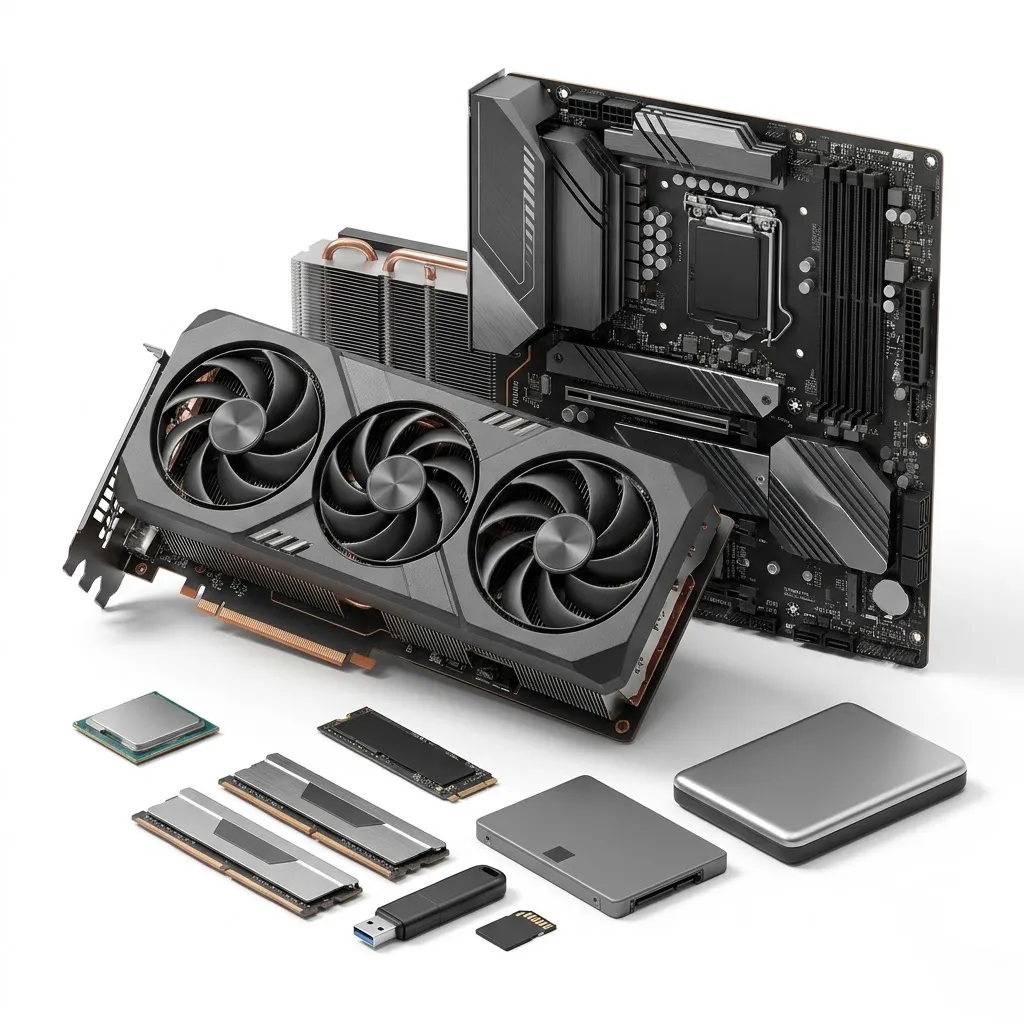
Build, upgrade and improve your computer with a wide range of computer components and storage devices at AnBazar. Explore graphics cards, processors, motherboards, RAM modules, internal SSDs, hard drives and external storage solutions. Whether you need a computer for everyday work, gaming, education or professional tasks, find suitable hardware for different requirements and budgets.
Essential PC Components for Better Performance
Computer processors handle calculations and system operations, while motherboards connect different hardware components. Graphics cards support gaming, video editing and graphics-intensive applications. RAM helps computers manage multiple applications smoothly. Choose compatible components to build a reliable desktop or upgrade an existing system.
Storage Devices for Files and Applications
Discover internal SSDs, hard drives, external hard drives, USB flash drives and memory cards. SSDs use NAND flash memory and offer faster data access than traditional mechanical hard drives. HDDs use magnetic storage and can provide higher capacities at different price points. External drives and USB flash drives are useful for backups, file transfers and portable storage.
Materials, Features & Popular Brands
These components use materials such as aluminium, copper, silicon, printed circuit boards, plastic and electronic memory chips. Popular brands include Intel, AMD, ASUS, MSI, Gigabyte, Kingston, Corsair, Samsung, Crucial, SanDisk, Western Digital and Seagate. Features vary by model, including DDR4 or DDR5 memory, PCIe interfaces, NVMe technology and different storage capacities.
Common Problems, Pros & Cons
Slow computer performance, insufficient storage, overheating and incompatible components are common concerns. Upgrade RAM or install an SSD to improve system responsiveness. Check processor sockets, motherboard chipsets, memory compatibility and power requirements before purchasing. SSDs offer speed but may cost more per gigabyte than HDDs. HDDs provide affordable capacity but contain moving parts.
How to Choose the Right Computer Components
Check your computer's specifications before buying. Compare processor generations, graphics memory, RAM capacity, storage capacity and connection interfaces. Consider cooling requirements, physical dimensions and warranty coverage. For gaming and professional workloads, choose components that match your performance needs.
Who Should Buy These Products?
Students and home users can choose affordable RAM and storage upgrades. Gamers may need powerful processors and graphics cards. Designers, video editors and professionals can benefit from faster SSDs, additional memory and suitable graphics hardware. Businesses can use external drives for data backups and file management.
Why Shop at AnBazar?
AnBazar brings essential computer hardware and storage products together in one convenient shopping destination. Compare specifications, features and prices before choosing suitable components.
Conclusion
From PC building and gaming upgrades to everyday computing and data storage, explore computer components and storage devices at AnBazar. Choose compatible hardware to improve performance, expand storage and support your computing needs.